AI Content Creation: The YouTuber's 2026 Toolkit
AI has evolved from a novelty to a necessity for YouTube creators. Here's your comprehensive guide to the AI tools actually making a difference in 2026.
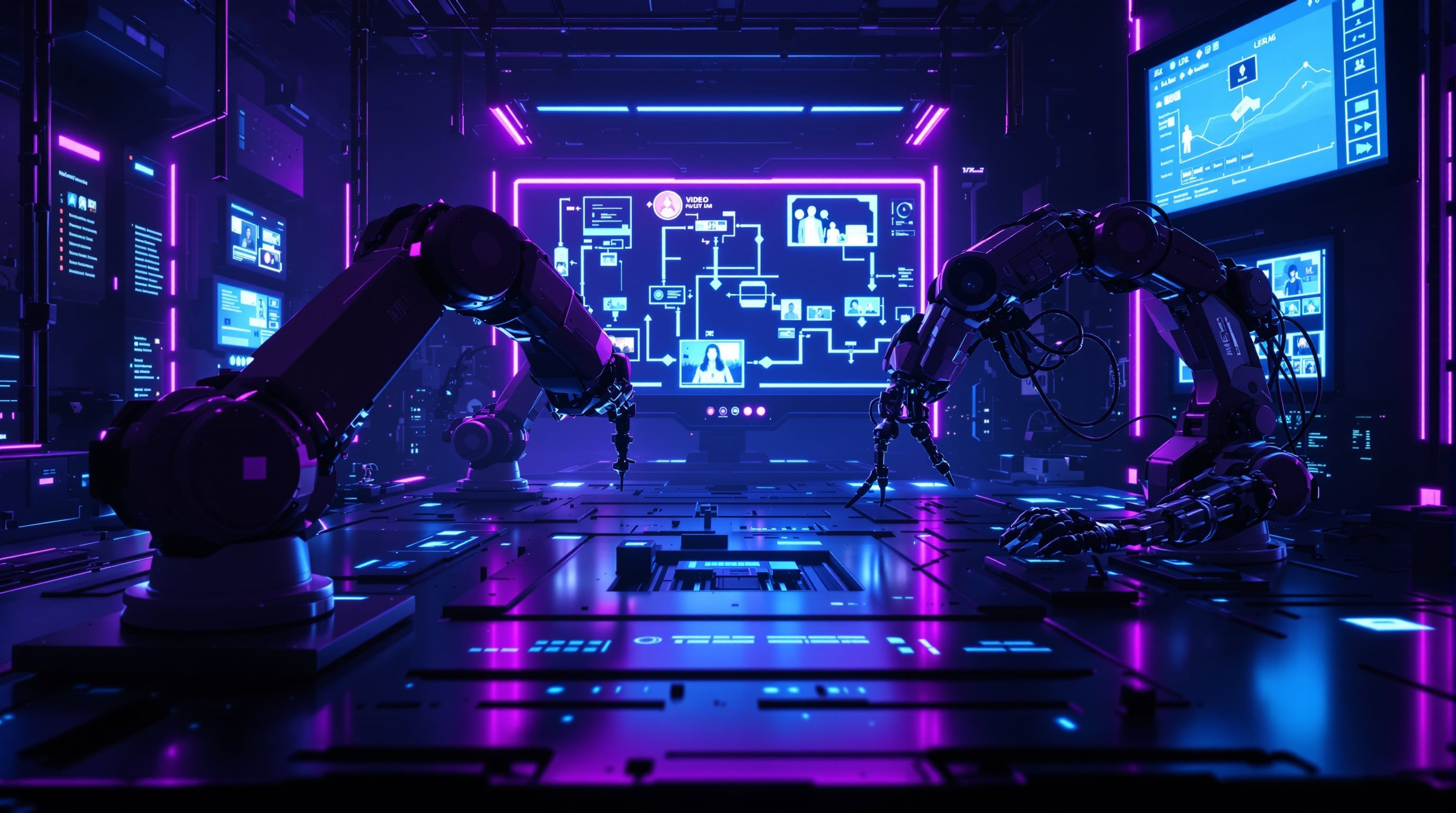
The AI Production Pipeline
Where AI Helps Most
- Research & Ideation
- Scriptwriting
- Production
- Editing
- Optimization
- Distribution
Research & Ideation Tools
Trend Analysis
- vidIQ AI: Topic suggestions based on performance data
- TubeBuddy AI: Competitive analysis
- Exploding Topics: Emerging trend detection
Content Planning
- Claude/ChatGPT: Brainstorming and outlining
- Perplexity: Research assistance
- Notion AI: Content calendar optimization
Scriptwriting Tools
Full Script Generation
- Claude 4: Long-form script assistance
- GPT-5: Creative writing support
- Jasper: Marketing-focused copy
Best Practices
- Use AI for first drafts
- Always add personal voice
- Fact-check everything
- Don't publish raw AI output
Video Production AI
Voice & Avatar
- ElevenLabs: Voice cloning and generation
- Synthesia: AI avatar videos
- HeyGen: Digital presenter creation
B-Roll & Visuals
- Sora: AI video generation
- Runway: Video effects and generation
- Pika Labs: Motion graphics
Music & Sound
- Suno AI: Custom music generation
- AIVA: Composition assistance
- Adobe Podcast: Voice enhancement
Editing Tools
Automated Editing
- Descript: Text-based video editing
- Opus Clip: Auto-clip generation
- Gling: Silence and filler removal
Enhancement
- Topaz: Video upscaling
- Adobe Enhance: Audio cleanup
- CapCut AI: Auto-captions and effects
Thumbnail Creation
AI Thumbnail Tools
- Midjourney: Concept generation
- DALL-E 3: Quick iterations
- Canva AI: Template-based creation
Best Workflow
- Generate concepts with AI
- Edit in design tool
- Add text manually
- A/B test variations
Optimization Tools
SEO & Metadata
- TubeBuddy AI: Title/description optimization
- vidIQ Boost: Keyword analysis
- YouTube Studio AI: Suggested improvements
Analytics
- Channel analytics AI: Pattern detection
- Competitive analysis: Performance benchmarking
YouTube's Built-In AI
Available Features
- Auto-dubbing: Multi-language versions
- Dream Screen: Shorts backgrounds
- Inspiration Tab: Content suggestions
- Auto-chapters: Automatic segmentation
Cost Considerations
Free Tier Options
- Canva AI (limited)
- CapCut AI
- YouTube built-in tools
- ChatGPT free tier
Paid Recommendations
Starter ($50-100/month):
- ChatGPT Plus
- Descript Creator
- Basic Midjourney
Pro ($200-500/month):
- ElevenLabs Pro
- Full Descript suite
- Midjourney Pro
- Opus Clip Pro
AI Disclosure Requirements
YouTube Policy (2026)
- Disclose AI-generated content
- Label synthetic media
- No deceptive AI use
- Transparency required
Best Practices
- Mention AI assistance when relevant
- Don't hide AI use
- Maintain human oversight
- Add genuine value
Workflow Integration
Sample AI-Enhanced Workflow
- Research: Perplexity + Exploding Topics
- Script: Claude draft → human edit
- Visuals: Midjourney concepts → custom creation
- Edit: Descript for rough cut → manual polish
- Thumbnail: AI concepts → Canva refinement
- Optimize: TubeBuddy AI suggestions
- Distribute: Auto-dubbing for international
Related Resources
Looking for more in-depth guidance? Check out these comprehensive resources:
Conclusion
AI tools save time and enhance quality, but they don't replace creativity and authenticity. Use them to amplify your unique voice, not to become generic.