How to Start a Gaming Channel: Equipment, Software, and Tips
About This Niche
Learn how to start a successful gaming channel on YouTube. This guide covers the essential equipment, software, and tips for new gaming creators.
How to Start a Gaming Channel: Equipment, Software, and Tips
Starting a gaming channel on YouTube can be a fun and rewarding experience. But with so much competition, it's important to have a solid plan. This guide will walk you through the essential equipment, software, and tips you need to get started.
H2: Essential Equipment for a Gaming Channel
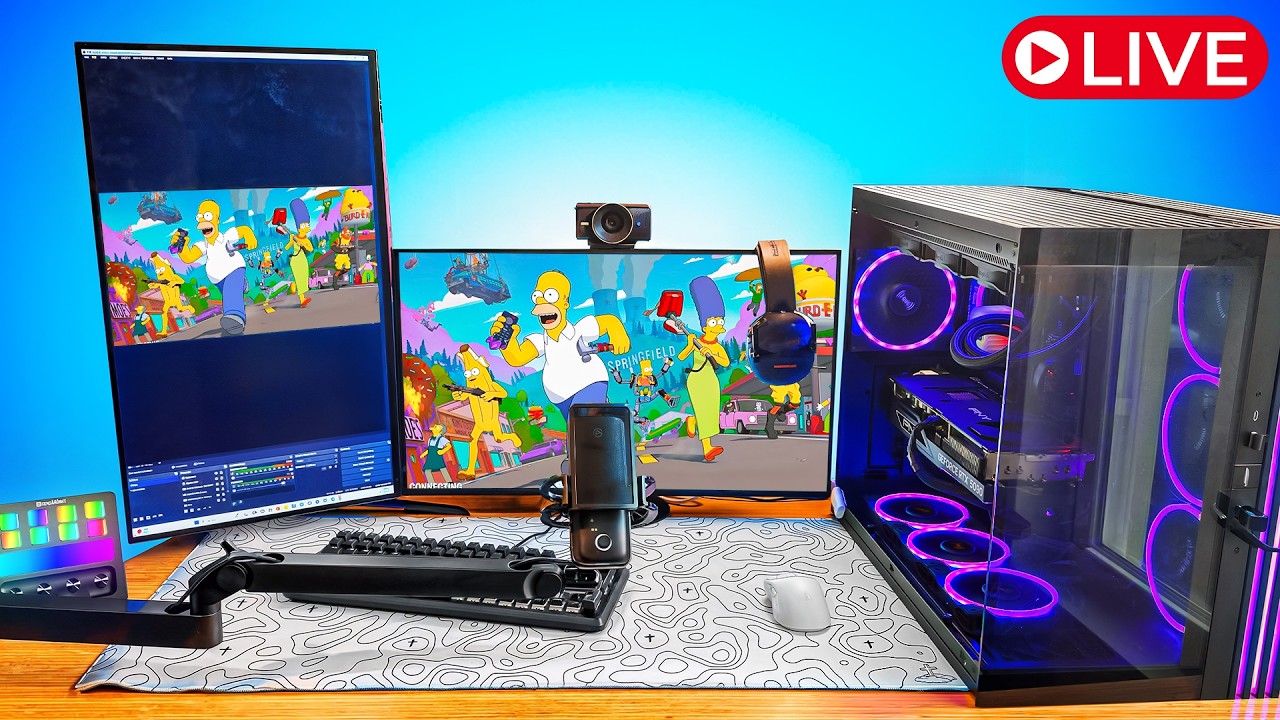
You don't need a professional studio to start a gaming channel, but you do need some basic equipment:
- A gaming platform: This could be a PC, a console like a PlayStation or Xbox, or even a mobile device.
- A microphone: Good audio is crucial for a gaming channel. A quality USB microphone is a great starting point.
- A webcam: While not strictly necessary, a webcam can help you connect with your audience on a more personal level.
- A capture card (for console gaming): If you're playing on a console, you'll need a capture card to record your gameplay.
H2: Recommended Software for Gaming Creators
Once you have your equipment, you'll need software to record and edit your videos:
- Recording software: OBS Studio is a free and powerful option for recording gameplay on PC. For console gaming, your capture card will likely come with its own software.
- Editing software: There are many great video editing programs available, from free options like DaVinci Resolve to professional software like Adobe Premiere Pro.
- Thumbnail creation software: Your thumbnails are the first thing viewers see, so it's important to make them eye-catching. Canva is a great free tool for creating thumbnails.
H2: Tips for Starting a Successful Gaming Channel
Here are some tips to help you grow your gaming channel:
- Find your niche: Don't try to be a jack-of-all-trades. Focus on a specific game, genre, or style of content.
- Be consistent: Upload videos on a regular schedule to keep your audience engaged.
- Engage with your community: Respond to comments, run polls, and create a Discord server to build a strong community around your channel.
- Collaborate with other creators: Collaborating with other gaming creators is a great way to cross-promote your channels and reach a new audience.
- Promote your channel: Share your videos on social media and other platforms to drive traffic to your channel.
H2: Monetizing Your Gaming Channel
Once you've built an audience, there are several ways to monetize your gaming channel:
- YouTube Partner Program: Once you meet the eligibility requirements, you can monetize your videos with ads.
- Affiliate marketing: Promote gaming gear, software, or other products and earn a commission on sales.
- Brand deals: Partner with brands for sponsored videos and other content.
- Merchandise: Sell your own merchandise, like t-shirts, mugs, and other items.
H3: Conclusion
Starting a gaming channel on YouTube takes time and effort, but it can be a very rewarding experience. By investing in the right equipment and software, finding your niche, and being consistent, you can build a successful channel and turn your passion for gaming into a career.
Related Tags
🔗 Related Niches
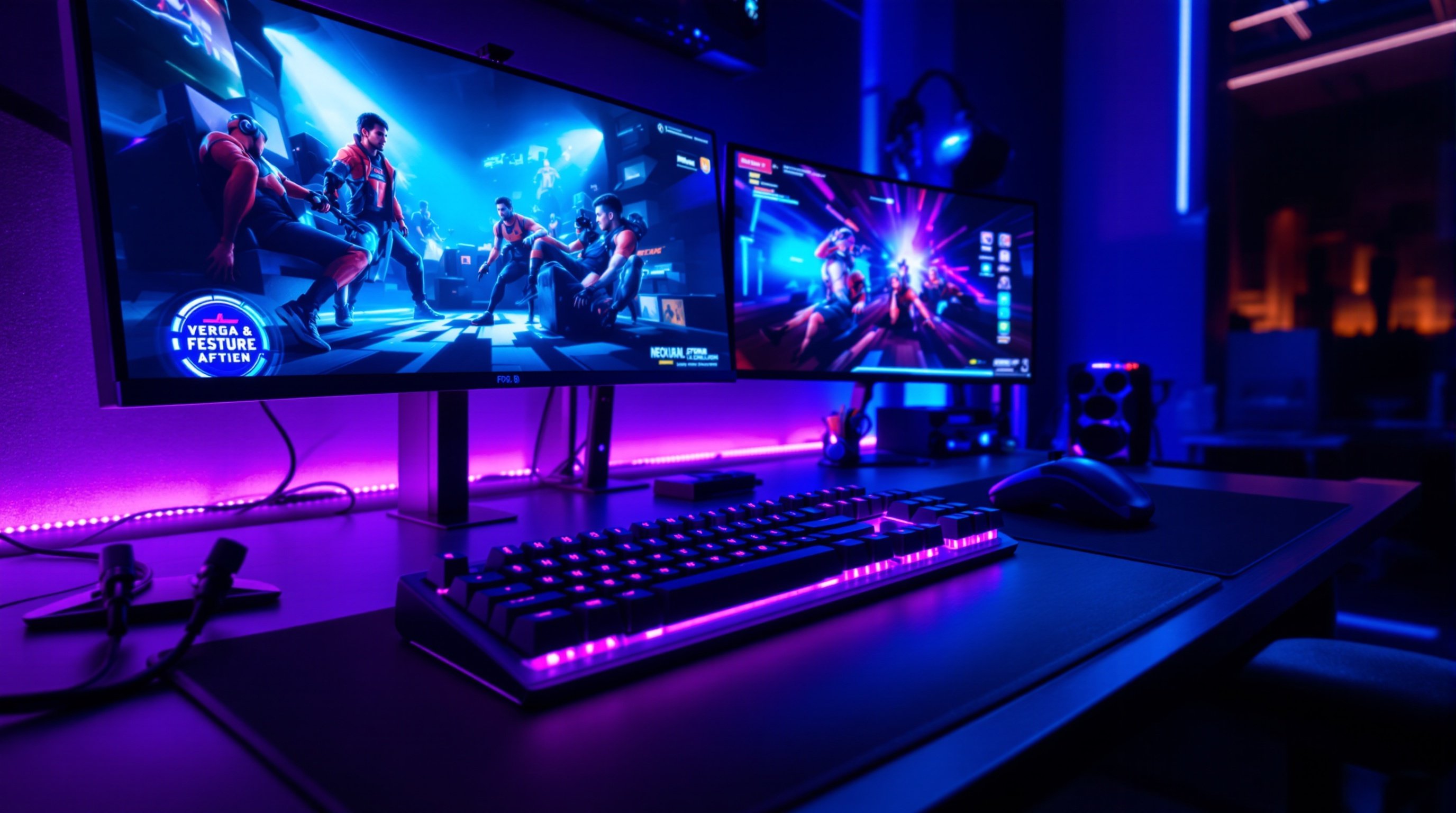
Gaming YouTube Channel Guide 2026: Grow Without Streaming
Complete guide covering gaming strategy with actionable strategies, essential tools, and step-by-step implementation plans for YouTube creators in 2026.
Gaming YouTube Niches: Low Competition High Profit Opportunities
Comprehensive guide to gaming niches on YouTube in 2026. Learn monetization strategies, growth tactics, and essential tools for building a profitable channel with $3-$8 CPM rates.

Gaming Livestream Setup: Equipment and Software Guide 2026
Comprehensive guide to livestreaming on YouTube in 2026. Learn monetization strategies, growth tactics, and essential tools for building a profitable channel with $4-$10 CPM rates.